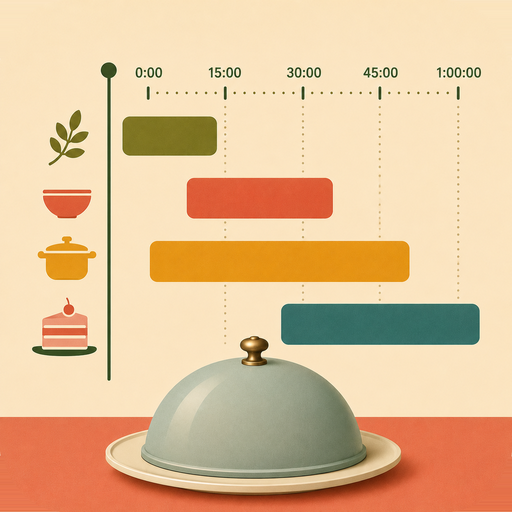
Every dish, ready at once
In a professional kitchen there's someone called the expeditor. They don't cook anything — their whole job is knowing what has to start when, so every plate leaves the pass hot, together. KitchenCadence is the expeditor. You just cook.
Download on the App Store Free · iPhone · iOS 26 or later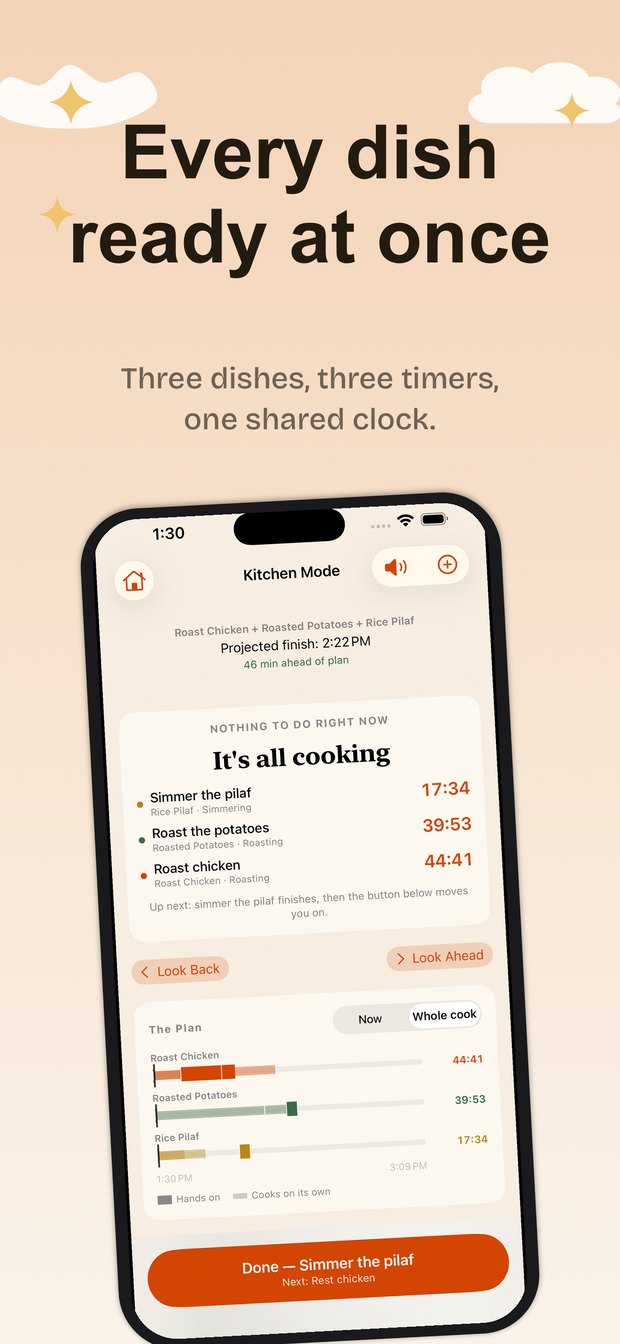
The job you're already doing in your head
Getting one dish right is easy. Getting the chicken, the potatoes and the rice to arrive hot at the same moment is the hard part.
That's a real job, and restaurants hire someone to do it. At home you're doing it while also being the cook, and while the potatoes need draining. KitchenCadence takes it off you: it holds the whole meal in mind so you only have to hold one step.
One clock for the whole meal
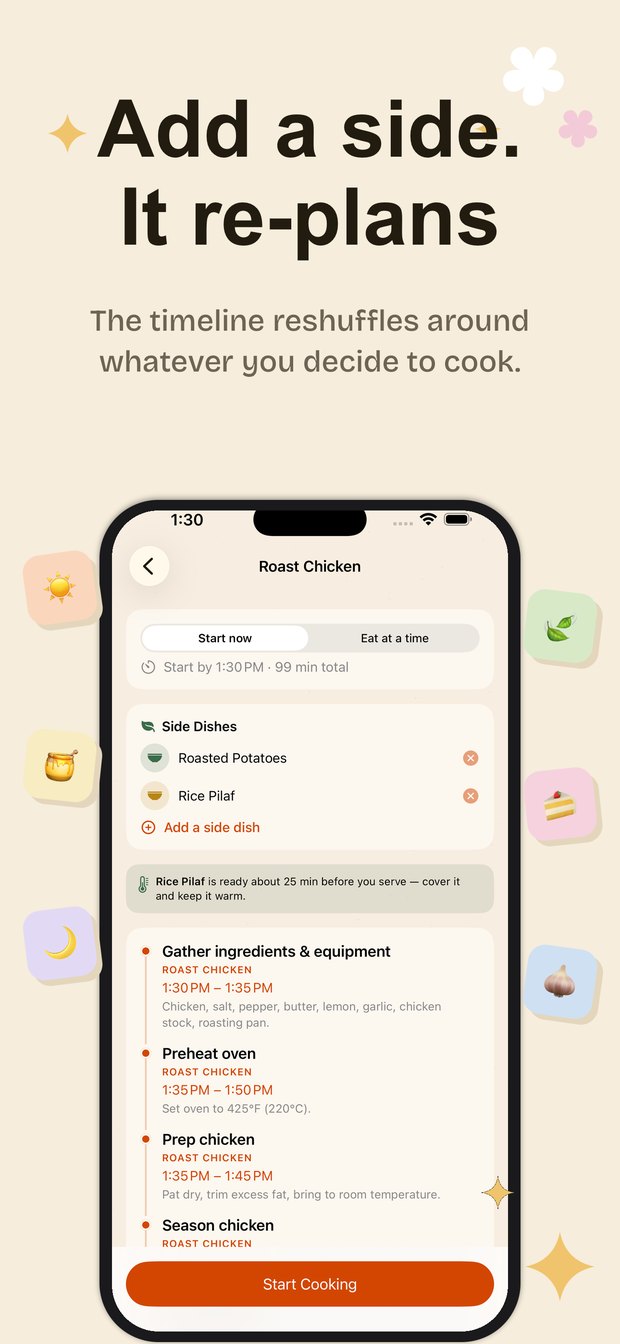
Pick a main, add the sides you want with it, and KitchenCadence works out the order.
It knows a roast leaves your hands free for forty minutes and that peeling potatoes doesn't, so it fills the waiting with work that needs doing. It knows two dishes can share an oven only if they want the same temperature. And it holds the quick things back so they aren't sitting cold while the slow things finish.
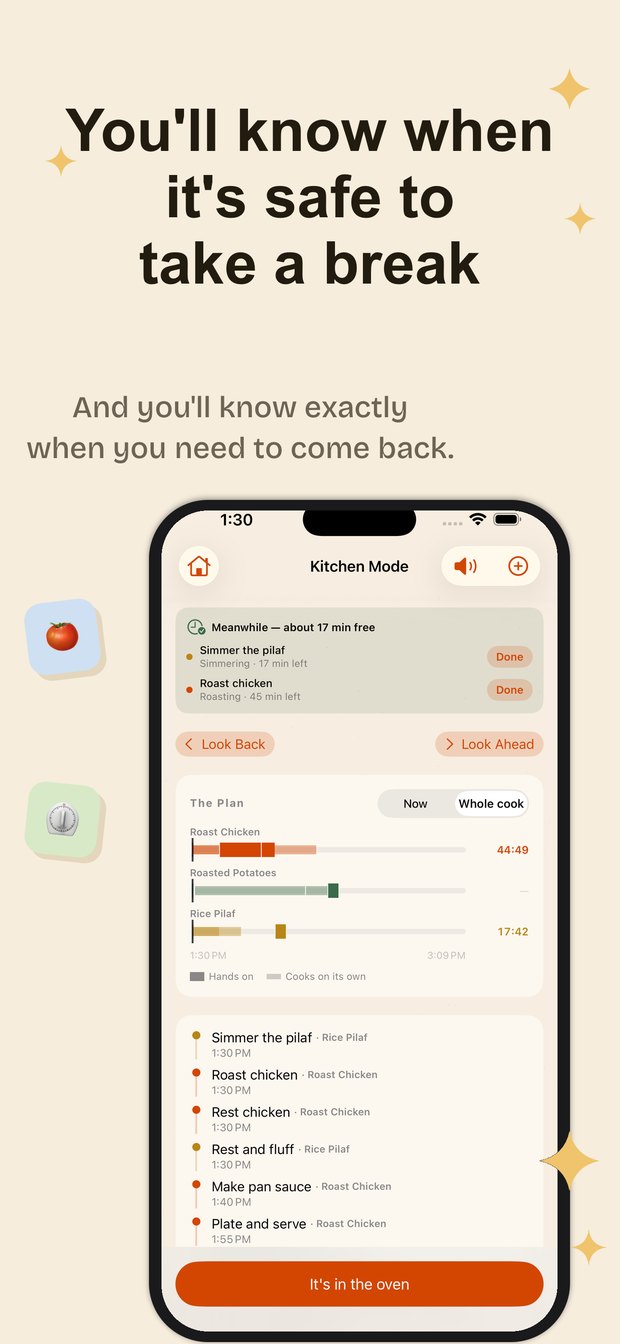
It tells you when it's safe to walk away
When everything is cooking on its own, the app says so — and shows exactly how long you have. Timers keep running on the Lock Screen and in the Dynamic Island, all of them at once, so you never have to guess which one matters.
Nothing to do right now
The app is explicit about free time rather than leaving you hovering over the stove.
Every timer, one place
All running timers on one Lock Screen card, soonest first. No hunting.
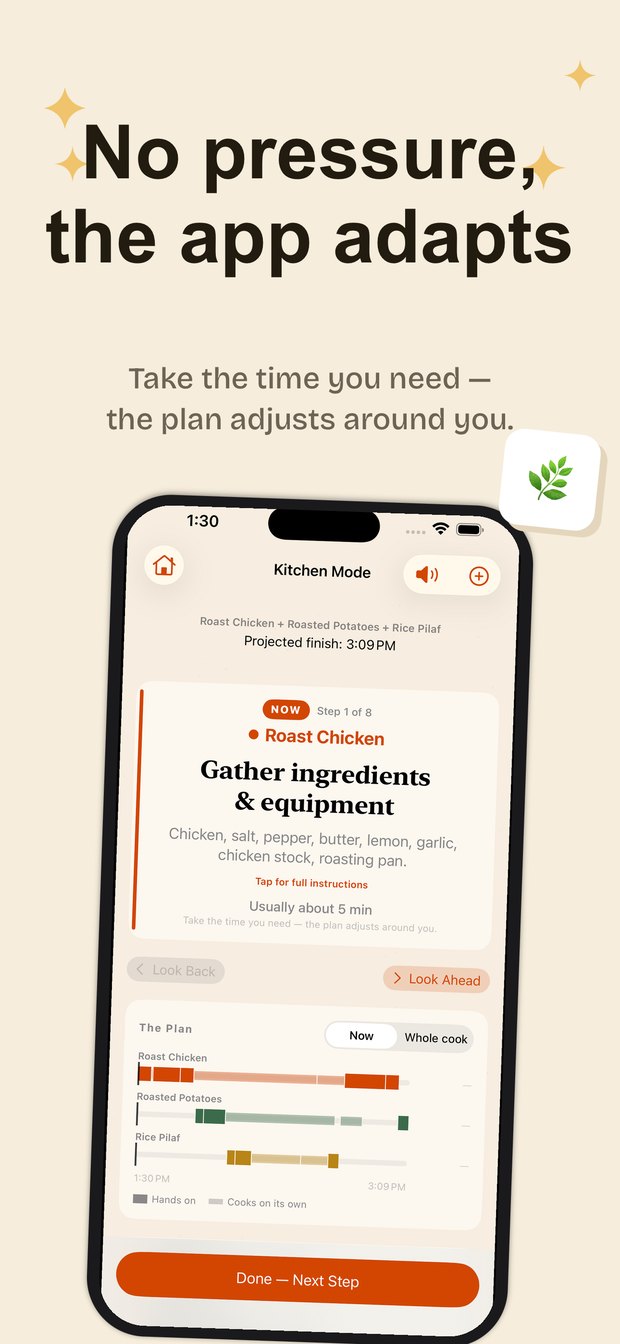
Run late, stay planned
Take longer than expected and everything downstream quietly reshuffles.
No countdown on your own hands
A ticking clock over "chop the onion" implies you're being timed. You aren't — nothing burns if chopping takes six minutes instead of five. So countdowns are reserved for food that can actually spoil. Hands-on steps show a quiet estimate and the plan adjusts around whatever you actually do.
Bring any recipe
Share a link from Safari and KitchenCadence turns the page into a proper plan: discrete steps, realistic timings, and which parts can overlap. If a recipe forgets to say how hot the oven should be, the app asks you rather than guessing — a made-up temperature is how dinner rolls end up in a 425° oven.
You're in charge, not the timeline
Every kitchen, oven and cut of meat is different. KitchenCadence gives times to the minute because a scheduler has to, but they're a well-informed guide, not gospel. A good expeditor defers to the cook — this one does too. Cook to how the food looks and tests, and the plan will catch up.
Ready when you are
Free to download. The bundled recipes, the timers and the whole scheduler cost nothing.